
Blackberry Z30 newest device from BlackBerry which runs on the BB 10 OS. Like the blackberry Z10, Z30 allows you take a screenshot and share them. There is default functionality in your Z30 which allows you to take a print-screen and you can use 3rd party app to make it even easier.
Where the pictures are stored?
So where the images are stored on your phone? The pictures are stored in default folder. Open the folder called 'pictures' and hit the camera icon. You can find your pictures inside the folder.
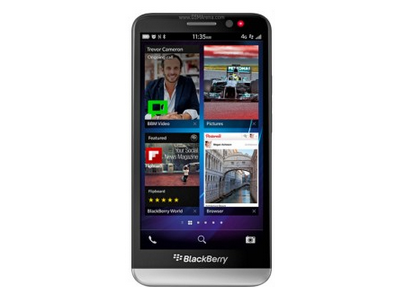
Blackberry Z30 holds a mediocre processor - Dual-core 1.7 GHz Krait and supported by 2GB Ram. It has a 2880 mAH of battery which is good enough to power 5 inch display screen. The internal memory is around 16GB and expandable upto 64 GB using microSD card.
How to take Screenshot on Blackberry Z30
The dafault method is very much straight forward. You are going to use 2 hard keys - Voume up and Volume down keys. Press the volume up and volume down keys at the same time. You need make sure that both the keys are getting pressed simultaneously. Now you should hear a shutter sound. Congratulations !!, you have just taken your first screenshot.Silent foto app for Blackberry
Silent foto app is free APP available for blackberry OS. It helps you to take a silent photo from within the application by pressing on the main button. You can find more about how to use app onWhere the pictures are stored?
So where the images are stored on your phone? The pictures are stored in default folder. Open the folder called 'pictures' and hit the camera icon. You can find your pictures inside the folder.
Blackberry Z30 holds a mediocre processor - Dual-core 1.7 GHz Krait and supported by 2GB Ram. It has a 2880 mAH of battery which is good enough to power 5 inch display screen. The internal memory is around 16GB and expandable upto 64 GB using microSD card.
